013D product configurator
3D configuration.
Made personal.
Give customers a 3D product configurator built around your garments. Materials, colors, lettering and available options come together on the model, with pricing alongside every choice.
01The customer experience
A product they can
make their own.
Your catalog defines the possibilities. Customers work through the choices available for each garment, rotate the model, and build a configuration they can save to a quote.
- Material and color
- Choose from the fabrics and colorways assigned to the garment, including separately colored regions where configured.
- Lettering and decoration
- Add text and catalog graphics in the locations you have set up. Lettering fit checks help keep text within its available space.
- Size and quantity
- Build a size run within one configuration, with the lengths and quantities the garment supports.
02Decoration setup
Give every graphic
a place.
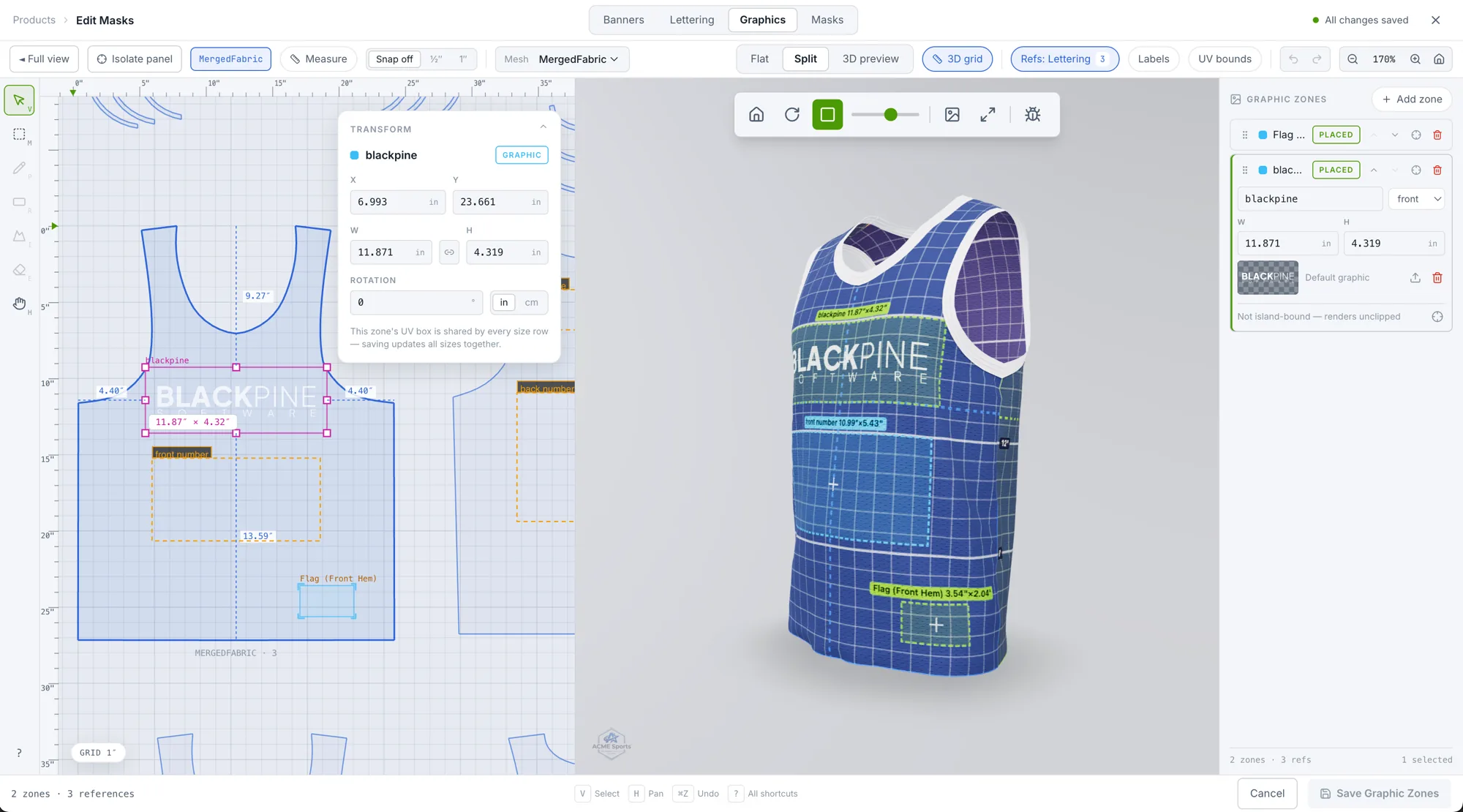
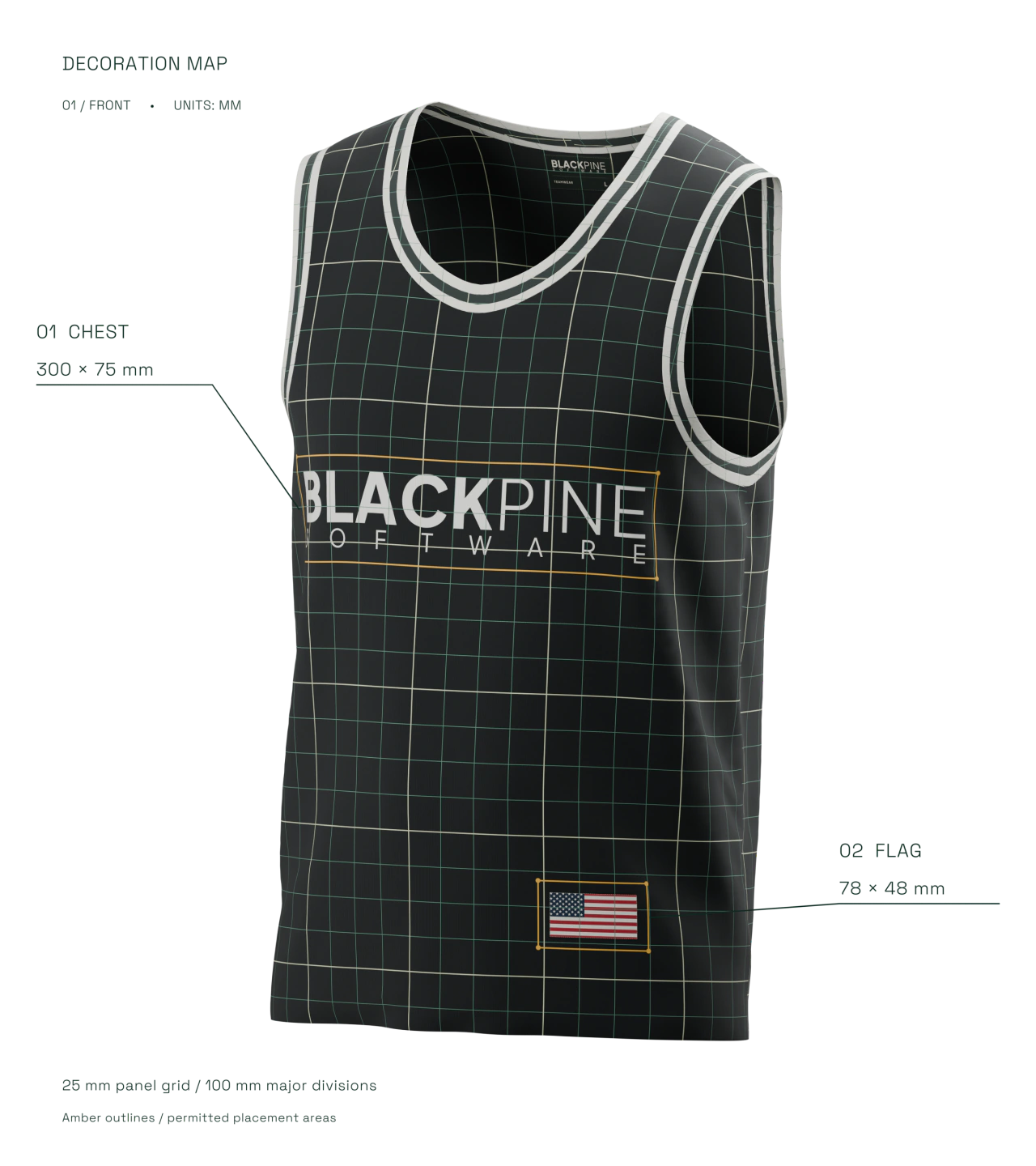
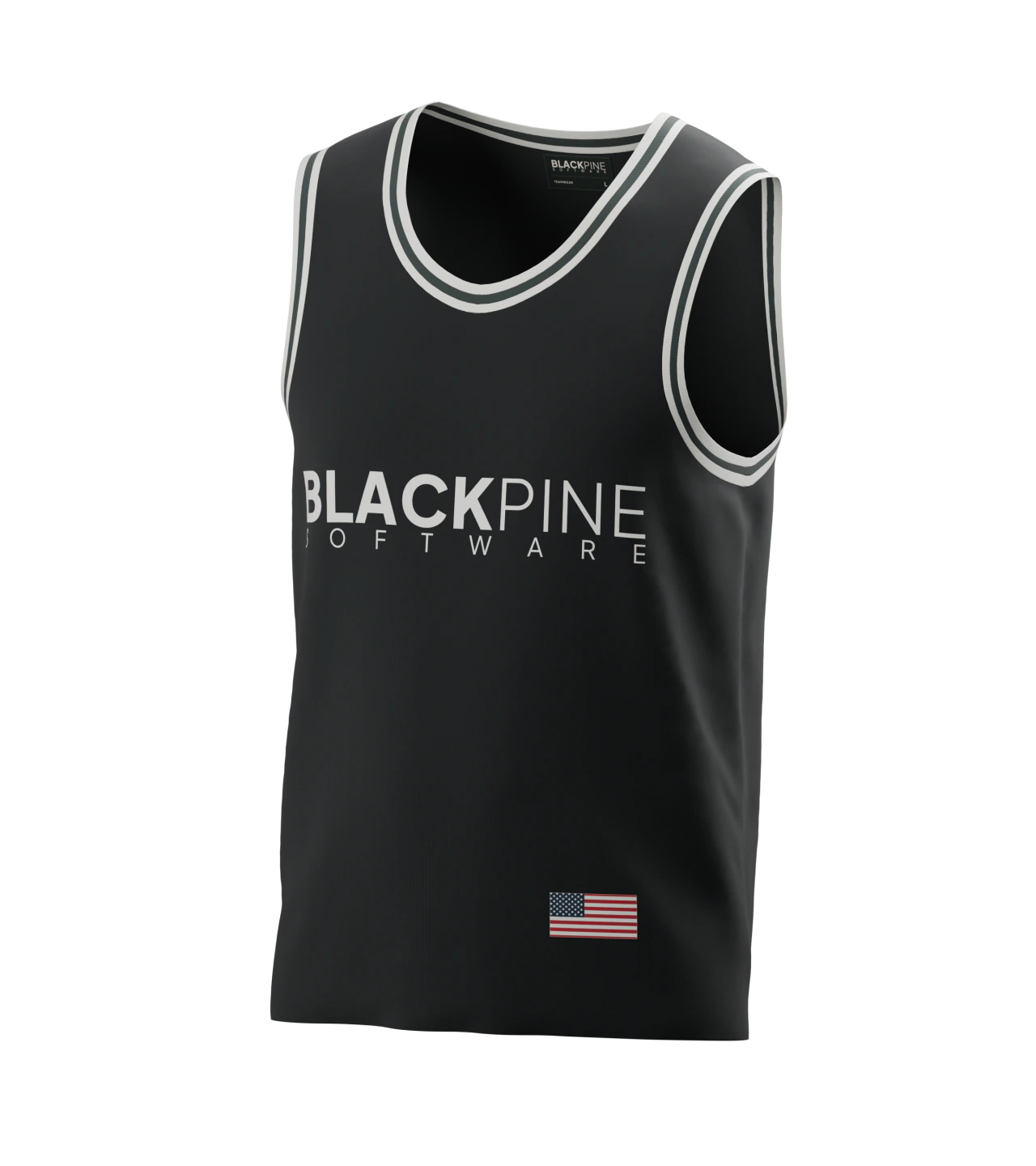
Set the available locations for lettering and graphics. Inspect how each artwork fits its placement area and follows the shape of the garment.
- 01 / Chest graphic
- 280 × 55 mm300 × 75 mm placement area
- 02 / Hem flag
- 64 × 34 mm78 × 48 mm placement area
Nominal artwork sizes / 25 mm surface grid.
03Connected to the quote
The design travels with the detail.
The saved configuration carries the selections and size run into the quote. Your team can inspect the product in 3D and review its price breakdown alongside the request.
See the quote workflow